> ## Documentation Index
> Fetch the complete documentation index at: https://docs.famulor.io/llms.txt
> Use this file to discover all available pages before exploring further.
# Flows veröffentlichen
> Lass deinen Flow funktionieren, indem du deine Updates veröffentlichst
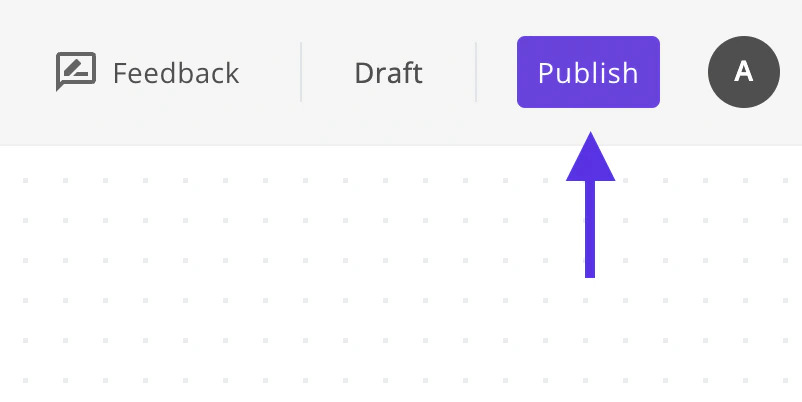
Die Änderungen, die du vornimmst, funktionieren nicht sofort, um den bereits veröffentlichten Flow nicht zu stören. Um deine Änderungen zu aktivieren, klicke einfach auf den Veröffentlichen-Button, sobald du mit deinen Änderungen fertig bist.
 Passende Seiten: [Introduction](/de/automation-platform/introduction) und [Building Flows](/de/automation-platform/building-flows) und [Debugging Runs](/de/automation-platform/debugging-runs).