> ## Documentation Index
> Fetch the complete documentation index at: https://docs.famulor.io/llms.txt
> Use this file to discover all available pages before exploring further.
# Publishing Flows
> Publish your Famulor automation flow to make recent changes go live. Learn versioning, rollback and best practices for shipping AI voice agent workflows safely.
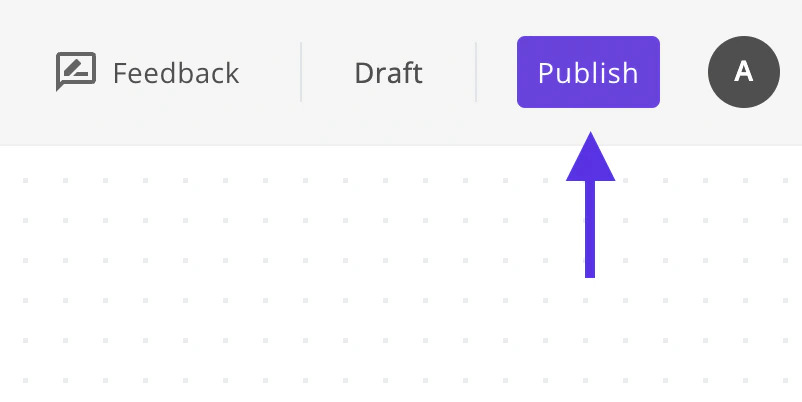
The changes you make won't work right away to avoid disrupting the flow that's already published. To enable your changes, simply click on the publish button once you're done with your changes.
 Related pages: [Introduction](/en/automation-platform/introduction) and [Building Flows](/en/automation-platform/building-flows), and [Debugging Runs](/en/automation-platform/debugging-runs).