

What is a Flow?
A flow is an automation workflow that connects triggers (events that start the flow) with actions (tasks that execute when triggered). Flows help you automate post-call processing, integrate with external systems, and enhance your AI calling capabilities.Understanding Flow Components
Trigger: The Starting Point
The trigger is the event that starts your flow. It determines when and how often the flow executes. Available Trigger Types:- Call Ended Trigger: Activates when an AI call completes
- Inbound Call Variable Injection: Triggers before the AI assistant picks up an incoming call
- Schedule Trigger: Runs at specific times or intervals
- Webhook Trigger: Activates when an external system sends a webhook
- Event Trigger: Responds to specific service events
Each trigger provides different data and context. For example, the “Call Ended” trigger gives you access to the full conversation transcript, call duration, and outcome.
Action: What Happens Next
Actions define what occurs when the flow is activated. They control the automation tasks that execute after the trigger fires. Common Action Types:- CRM Updates: Update HubSpot, Salesforce, or other CRM systems
- Data Storage: Save call data to Google Sheets, databases, or files
- Notifications: Send emails, SMS, or Slack messages
- Webhooks: Trigger external APIs or custom integrations
- Campaign Management: Add leads to campaigns or update lead status
- Code Execution: Run custom JavaScript code for complex logic
Real-World Flow Example
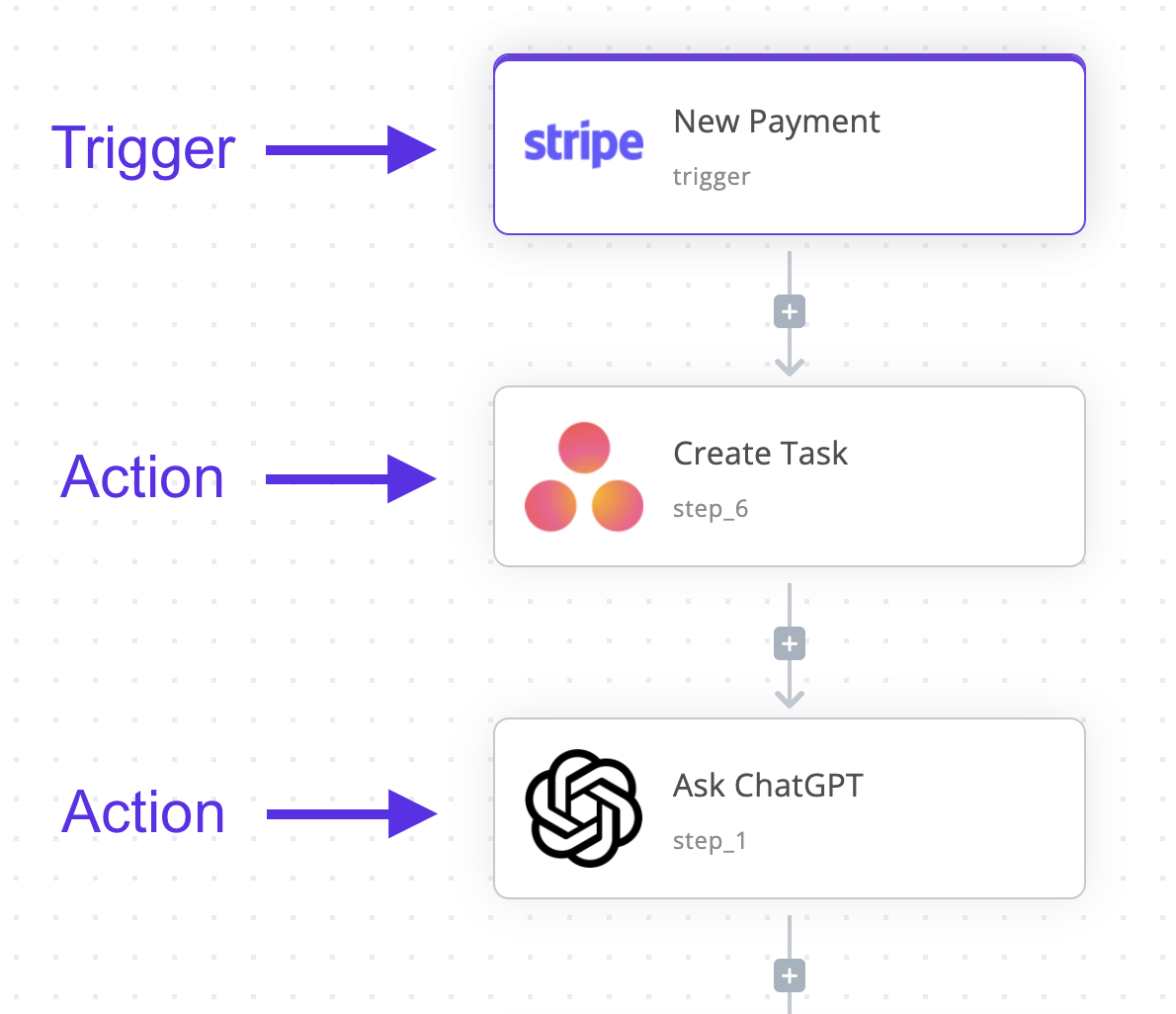
- Trigger: Call Ended
- Action 1: Extract key information from transcript (e.g., customer name, inquiry type)
- Action 2: Update HubSpot contact with call outcome
- Action 3: Send email notification to sales team if lead is qualified
Best Practices for Building Flows
Start Simple
Begin with a single trigger and one action. Test thoroughly before adding complexity.Use Variables Effectively
Leverage data from triggers (like call transcripts or lead information) to personalize actions.Handle Errors
Add error handling for actions that might fail (API timeouts, invalid data, etc.).Test Your Flows
Use the debugging tools to test flows before deploying them to production.Next Steps
- Learn about Passing Data Between Actions
- Explore Publishing and Versioning Flows
- Check Common Integrations for ready-made actions