

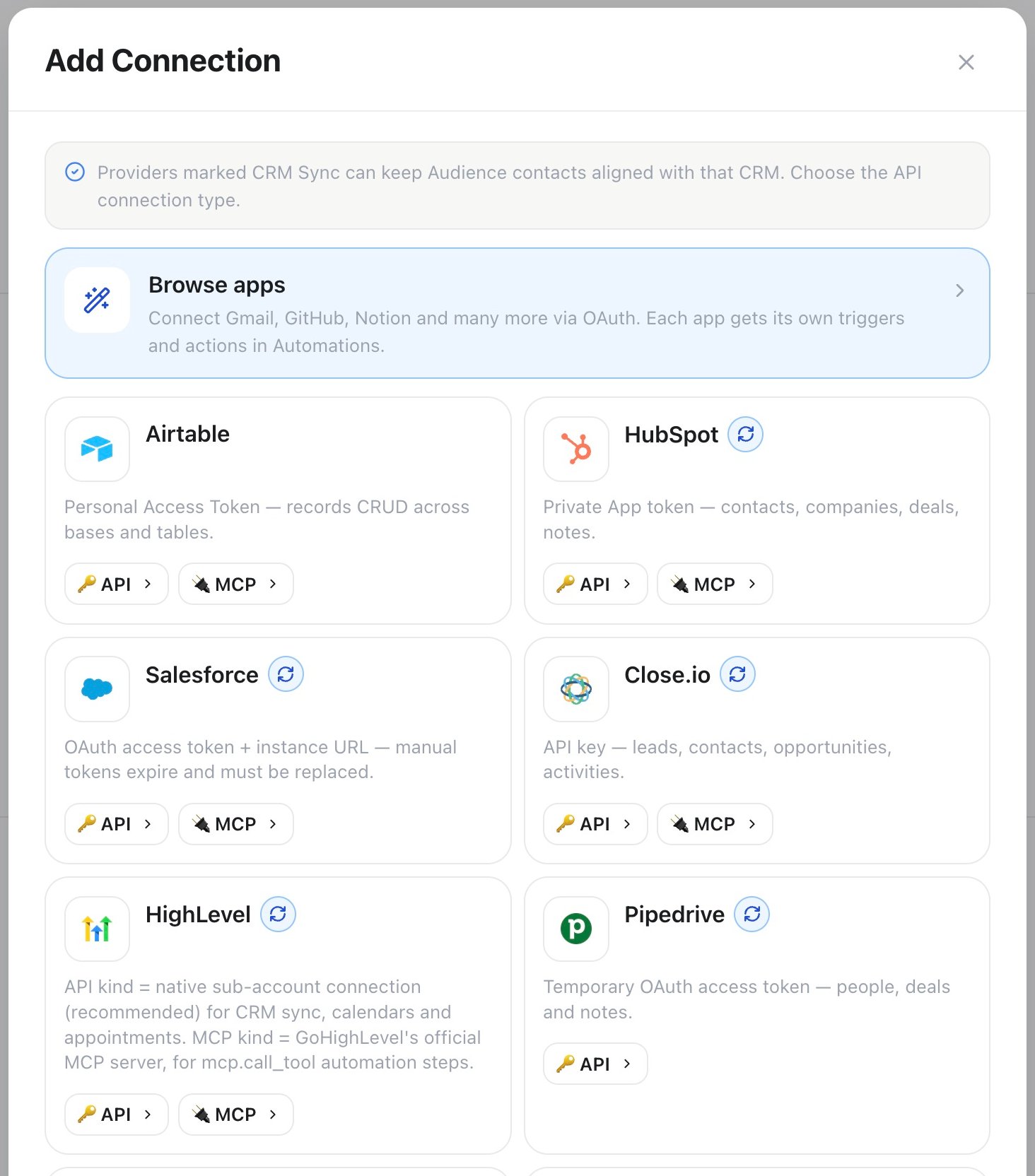
Automation connections — choose a service to connect
Connections are not the same thing as Agent Connectors, the separate app store that attaches an app to an assistant as a callable tool. To let an assistant reach a catalog app while a conversation is still running, make the automation itself callable from the conversation.
Famulor built-ins
Every workspace starts with these — no connection needed.
See the Automation node reference for every trigger and step with its fields and behavior.
Communication
Each channel sends on an open conversation; Slack, Discord, and Teams can also post through an Incoming Webhook URL without one.CRM & sales
Each CRM above, plus Airtable, can also start a run from that provider’s own webhook event; the trigger shows its inbound URL and secret once the automation is saved. To keep your whole Audience list continuously aligned with one of these CRMs, instead of writing individual records from a step, see Supported CRMs.
Data & backend
Commerce, marketing & productivity
AI & time
App marketplace
The marketplace starts with Recommended integrations, showing every native integration. Use a category shortcut or search by app name to explore the wider catalog; more apps load as you scroll. Manage lists your existing accounts and lets you connect another account. On mobile, open the filter button next to search to choose all apps, recommended integrations, or a category. Beyond the catalog above, App marketplace — under Connections — connects hundreds more apps over OAuth. Each connected app brings its own triggers and actions into the builder right away.Next steps
Automation node reference
Every trigger and step, with its fields and behavior
Automations
Concepts, billing, and worked example automations
CRM sync
Keep Audience and a connected CRM aligned on a schedule