

Europe/Berlin or America/New_York, picked from a dropdown in the assistant settings. It defines what “now” means for the assistant, so “tomorrow at 3 pm” is interpreted using the next local day in that timezone.
New assistants start with the workspace timezone unless you choose another timezone.
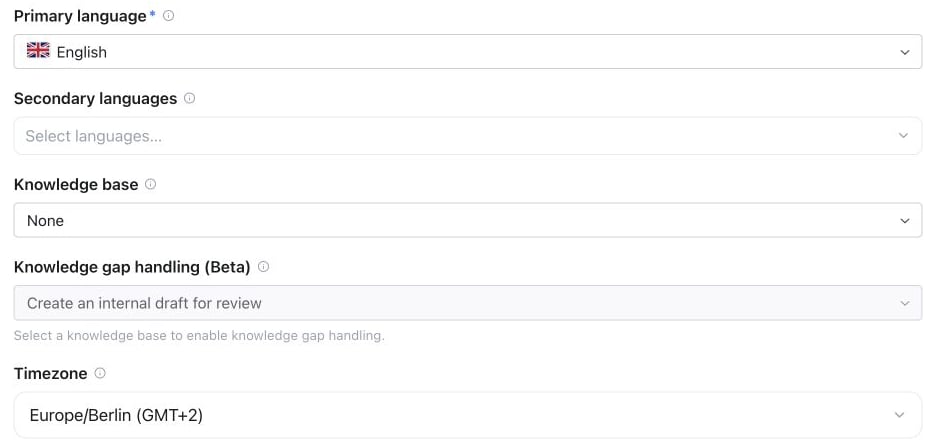
Assistant Settings → Advanced → General → Timezone: select the timezone used by this assistant; Europe/Berlin is shown here.
What the assistant timezone affects
Campaign timezone override
Outbound campaigns have their own timezone (used for calling windows). On a campaign call it wins over the assistant’s timezone for that call:The timezone changes what the assistant says and checks about time — it does not shift call scheduling itself. Campaign calling windows are governed by the campaign’s own timezone either way.
Setting the timezone via API
UsePATCH /api/v1/assistants/{id} or the MCP update_assistant tool to change the assistant timezone programmatically. See the public API schema for the accepted timezone value.
The assistant timezone controls the conversation’s clock. Built-in voice booking tools use the event type timezone for appointment availability and confirmations; the workspace timezone controls dashboard display. Set the assistant timezone to the business timezone when you want relative dates such as ‘tomorrow’ to follow that business’s calendar. See Calendar & booking.