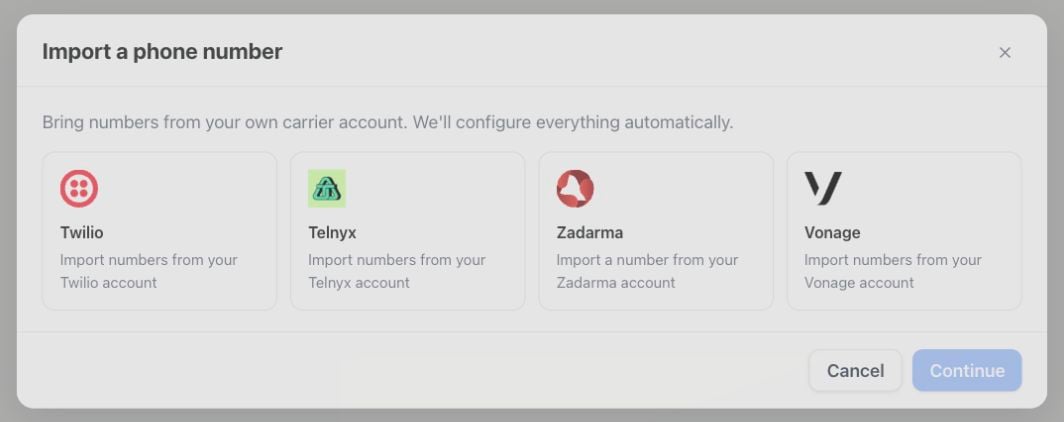
Import existing Twilio, Telnyx, Vonage, or Zadarma numbers with automatic SIP routing
Carrier import connects your own carrier account, discovers its existing phone numbers, and creates the matching inbound and outbound SIP configuration automatically. The carrier continues to bill number rental and call termination.
Settings → Phone numbers → Add a number → Import from your carrier: select your carrier, then Continue to its connection details.
Open Settings → Phone numbers → Add a number → Import from your carrier.
Select the carrier, enter credentials, and choose the SIP region.
Select voice-capable numbers that are not already routed elsewhere.
Import the numbers and assign an assistant.
Test one inbound and one outbound call before using the number in a campaign.
The platform re-reads each selected number from the carrier before importing it. A client-supplied number can therefore never be paired with a different carrier resource.For Telnyx, every import also allows outbound calls to the countries of the connection’s numbers in its Outbound Voice Profile (Telnyx allows only the US and Canada by default). Premium and high-risk ranges are never enabled automatically. Add any other destination countries in Telnyx.The SIP address, credentials, and caller ID format of an imported number are managed by its connection and can’t be edited on the number.
Vonage numbers with an existing app, telephone, or unrelated SIP callback are marked as unavailable. Carrier import never overwrites that routing.When a Vonage number is removed, its callback is cleared only if it still points to the exact regional SIP endpoint configured by this connection. A callback changed later in Vonage is preserved.
Do not remove or replace the carrier-side trunk, connection, or callback while a number is active. Use Troubleshoot to detect and safely repair supported drift.
The selected region determines the SIP endpoint used for inbound signaling. Changing it runs provider diagnostics and repairs imported-number routing.Troubleshoot verifies:
carrier credentials and account balance;
provider trunk/connection or direct number routing;
for Telnyx, that the connection still accepts the platform’s SIP credentials and allows calls to your numbers’ countries;
that every imported number sends its SIP credentials and an international caller ID on outbound calls;
inbound and outbound connectivity;
number and assistant assignments.
Repairs are limited to resources owned by the selected connection. Provider errors remain visible on the connection.
POST /api/v1/carrier-connections/{id}/troubleshoot
Use the sip_trunks:read or sip_trunks:write scope. Equivalent MCP tools are list_carrier_connections, create_carrier_connection, get_carrier_connection, update_carrier_connection, list_carrier_available_numbers, import_carrier_numbers, remove_carrier_number, delete_carrier_connection, and troubleshoot_carrier_connection.
Carrier import is the fastest option for Twilio, Telnyx, Vonage, and Zadarma. For another SIP provider, use BYO SIP trunk.
Connect with the API key and secret from Settings → Integrations and API → Keys and API in Zadarma. Activate a virtual number, disable number test mode, and assign it to a direct SIP login before importing. Numbers routed to an external server or PBX must be moved to direct SIP first.Each connection imports one number and creates a dedicated SIP login with that number as its outgoing caller ID. Keep one free SIP login slot available. For additional numbers, create additional connections with the same account credentials. The number list shows activation and routing conflicts; an empty account can be connected before a number is available.Import replaces the number’s direct SIP destination with the selected regional endpoint. Incoming calls are restricted to the number and Zadarma’s direct SIP gateways. Outgoing calls use TCP and the dedicated login. Add credit and test incoming audio, outgoing audio and caller ID before using the number. This does not configure Zadarma PBX forwarding or SMS.Removing the number or disconnecting restores its previous SIP destination only while it still points to this connection. Changes made later in Zadarma are preserved. A failed restoration keeps the connection available for retry. Afterwards, delete the unused import-… SIP login in Zadarma manually; Zadarma’s documented API does not provide SIP-login deletion.Use POST /api/v1/carrier-connections or MCP create_carrier_connection with carrier: "zadarma", then list and import the available number. The equivalent CLI commands are: